

A retro gaming room gives a person a focused place to play classic games. A good retro gaming room blends consoles, display choices, storage, and seating. This guide sets clear steps to plan space, choose hardware and displays, and finish with storage and comfort. The reader will get concrete choices that suit small rooms and larger basements.
Key Takeaways
- A well-planned retro gaming room balances space, lighting, and budget across display, audio, consoles, and furniture for the best experience.
- Choose a mix of original consoles, modern ports, and emulation based on preference, using CRTs for authenticity and modern screens for HD and convenience.
- Implement adjustable shelving and labeled storage to organize games, controllers, and adapters, keeping everything accessible and tidy.
- Select comfortable seating that supports posture and suits your gaming style, with side tables and cable management to enhance convenience and cleanliness.
- Use soft, indirect lighting and blackout curtains to reduce screen glare, and ensure proper ventilation and surge protection to protect vintage hardware.
- Add themed decor thoughtfully to showcase your collection without clutter, and maintain your setup regularly to ensure smooth, enjoyable gaming sessions.
Plan Your Space: Layout, Lighting, And Budget Priorities
A person should measure the space before they buy items for a retro gaming room. They should note door swings, outlet locations, and window positions. They should decide if they want a social area or a solo play nook. A social layout places seating facing the main screen with room for controllers and snacks. A solo layout centers the console and puts one comfortable chair within two to four feet of the screen.
A person should set a budget that splits costs across four areas: display, audio, consoles/emulation, and furniture. They should plan for 30% display, 20% audio, 25% consoles and storage, and 25% furniture and lighting as a starting rule. They should adjust those shares based on priorities. If a person values screen quality over new chair purchases, they can shift funds accordingly.
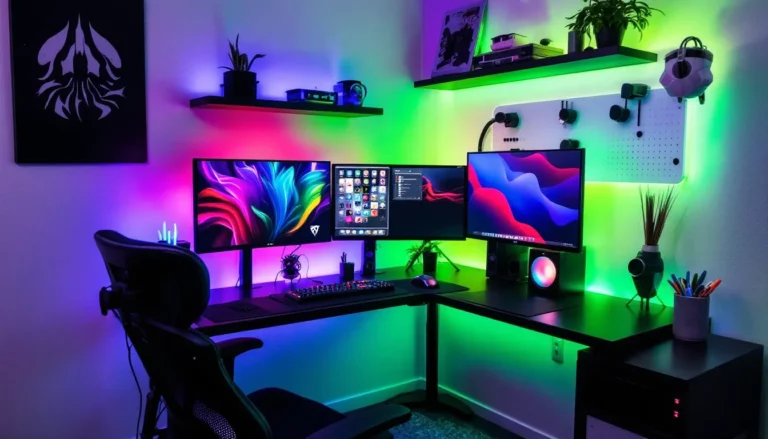
Lighting matters for a retro gaming room. Soft, indirect light reduces glare on CRT or modern screens. A person should use dimmable LEDs behind the screen and low-level accent lights on shelves. They should avoid overhead lights that create reflections. They should add blackout curtains if the room gets strong daylight.
A person should think about power and ventilation. They should use surge protectors and label outlets for consoles and audio. They should leave space around vintage hardware to avoid heat buildup. They should include a small fan or an air circulation plan for long sessions.
A person should pick a focal wall in the retro gaming room. They should place the main display and shelving on that wall. They should use color or a poster to create a visual center. This choice helps the room feel intentional and helps guide furniture placement.
Hardware And Display Choices: Consoles, Emulation, Audio, And Screen Options
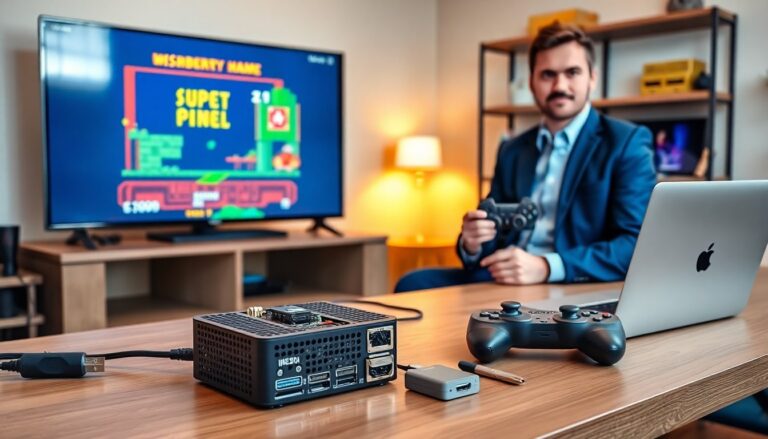
A person should decide between original consoles, modern ports, and emulation for a retro gaming room. Original consoles give authentic feel and sound. Modern ports reduce hassle with region locks and failing components. Emulation gives convenience, save states, and library access. A person can mix all three approaches in one room.
A person should pick display type based on consoles and taste. A CRT gives authentic scanlines and input lag that suits older consoles. A modern flat-panel gives crisp visuals for emulators and HD ports. A person can use a CRT for 240p systems and a modern TV for HDMI systems. A switch box or scaler helps a person move signals between screens.
A person should choose scalers cautiously. A person can buy an OSSC or an XRGB Mini to convert old signals to HDMI with low latency. A simple upscaler in a retro gaming room can let a person use one modern screen for many systems while preserving retro look.
A person should plan audio for clarity and immersion. A stereo bookshelf system gives clear sound and fits most rooms. A soundbar provides a compact option with modern features. A person who values music or arcade sound effects should pick a system with punchy mids. They should place speakers at ear level and keep wires tidy behind shelves.
A person should manage controllers and adapters. They should keep one set of wireless controllers for convenience and one set of wired originals for authenticity. They should store adapters where labels make them easy to find. A labeled bin or dedicated drawer helps a person avoid digging for the right cable.
A person should consider networking and streaming. They should run an Ethernet cable when possible for low-latency online play and updates. They should mount a router or add a mesh node near the retro gaming room if Wi‑Fi signals run weak. A person who streams gameplay should plan for a capture card and a small streaming PC or laptop that fits the room layout.
Storage, Decor, And Comfort Details: Shelving, Seating, Theming, And Cable Management
A person should build storage that fits cartridges, disks, and boxes in a retro gaming room. Adjustable shelving lets a person change layout as collections grow. Clear bins and labeled boxes keep small items like adapters and batteries organized. A person should keep frequently used controllers on open hooks for quick access.
A person should choose seating for posture and comfort. A couch works well for multiplayer sessions. An ergonomic gaming chair works well for longer solo sessions. A person should pick furniture that supports the lower back and lets them reach controllers without strain. They should add a small side table for drinks and a coaster to protect surfaces.
A person should add decor that supports the theme without clutter. Posters, framed box art, and a rotating display shelf let a person showcase favorite games. A person should avoid crowding every wall. Empty space helps the retro gaming room feel calm and focused. A simple color palette helps the room read as intentional. Accent colors on shelves or cushions can echo console colors.
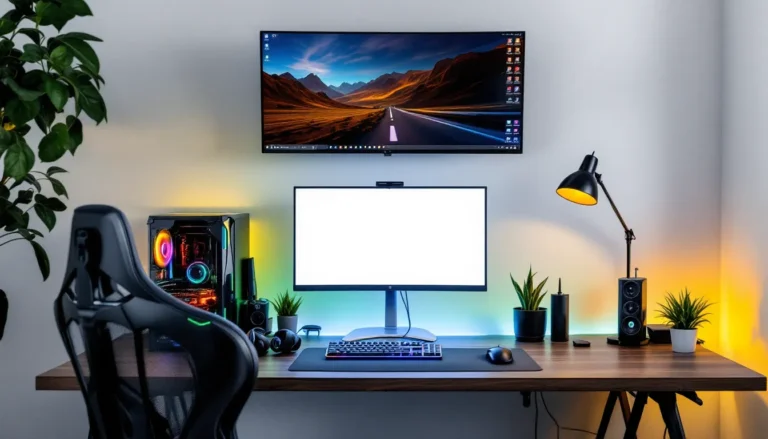
A person should plan cable management to keep the retro gaming room tidy. Cable channels or adhesive clips route wires along baseboards. Velcro straps bundle groups of cables and make swaps fast. A person should label both ends of power and AV cables so they can trace connections quickly.
A person should add small comforts that improve long sessions. A dimmable lamp, a soft rug, and a cup holder or coaster can matter more than an expensive peripheral. A person should test sightlines and seating height before finalizing placement. They should play a few long sessions to confirm the setup feels right.
A person should keep maintenance simple. They should dust shelves and screens weekly and check console vents monthly. They should keep spare cables and a basic toolkit in the retro gaming room for quick repairs. This approach keeps playtime smooth and reduces downtime.